Motionly · Free on the App Store
AI videos and photos of you, from a few selfies.
Dance trends, cinematic scenes, viral effects, hundreds of styles. New filters every week, so you are never behind the trend. Every result from the best AI models available.
- Weeklynew filters, new trends
- Best modelstop video and image AI
- Avatartrain once, reuse forever
How it works
Pick a trend. Add a few selfies. Create.
New filters land every week. Your avatar trains once and follows you into every one of them.
-
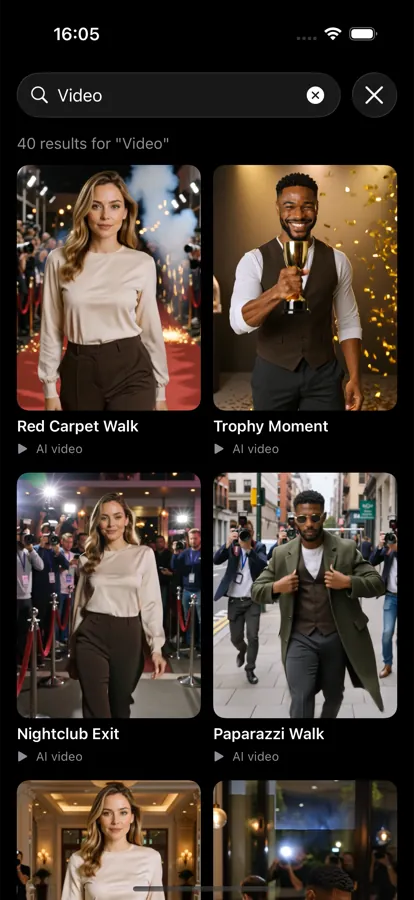
Pick a trend or type a prompt
Browse this week's drops, search for a dance or a scene, or write what you want. Surprise Me is there for the blank-page moments.
-
Add a few selfies, once
A handful of selfies trains your avatar, with your consent asked for clearly first. From then on it is ready for every new trend. No re-uploading.
-
Create, then share
Tap Create and the result lands in your library in moments, ready to save to Photos or share wherever the trend lives.
Features
Built around what is trending, and you.
-
New every week Fresh AI video and photo filters every week: dance trends, cinematic scenes, viral effects.
-
The best AI models Every result from the strongest video and image models available, picked per style.
-
One avatar, every trend Train it once from a few selfies. Photos and video, hundreds of styles, no starting over.
-
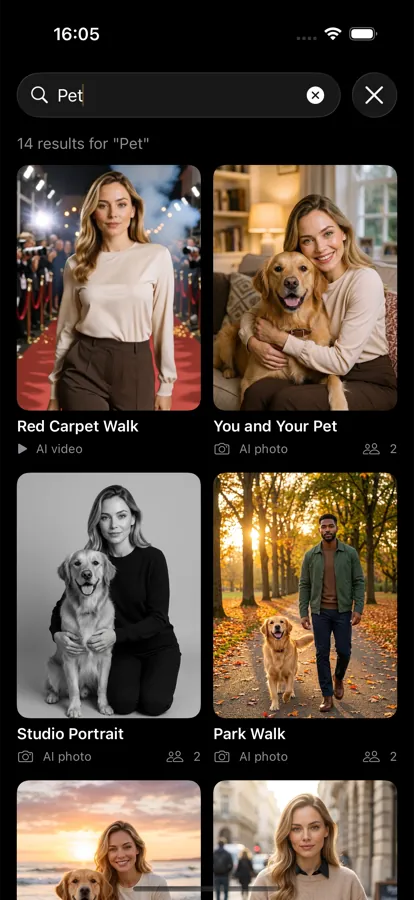
Pets too Your dog or cat can star in the same trends.
-
Quick AI Filters A one-tap edit for any photo, no profile needed.
-
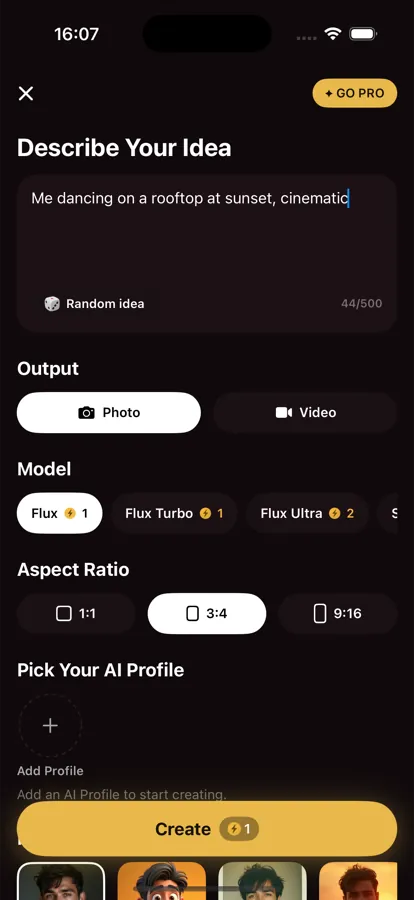
Free-form prompts Type what you want, or hit Surprise Me for inspiration.
-
Delete everything, anytime Your photos and your trained avatar, gone for good when you say so.
One avatar, every style
Same person. Same few selfies. Nothing re-uploaded.
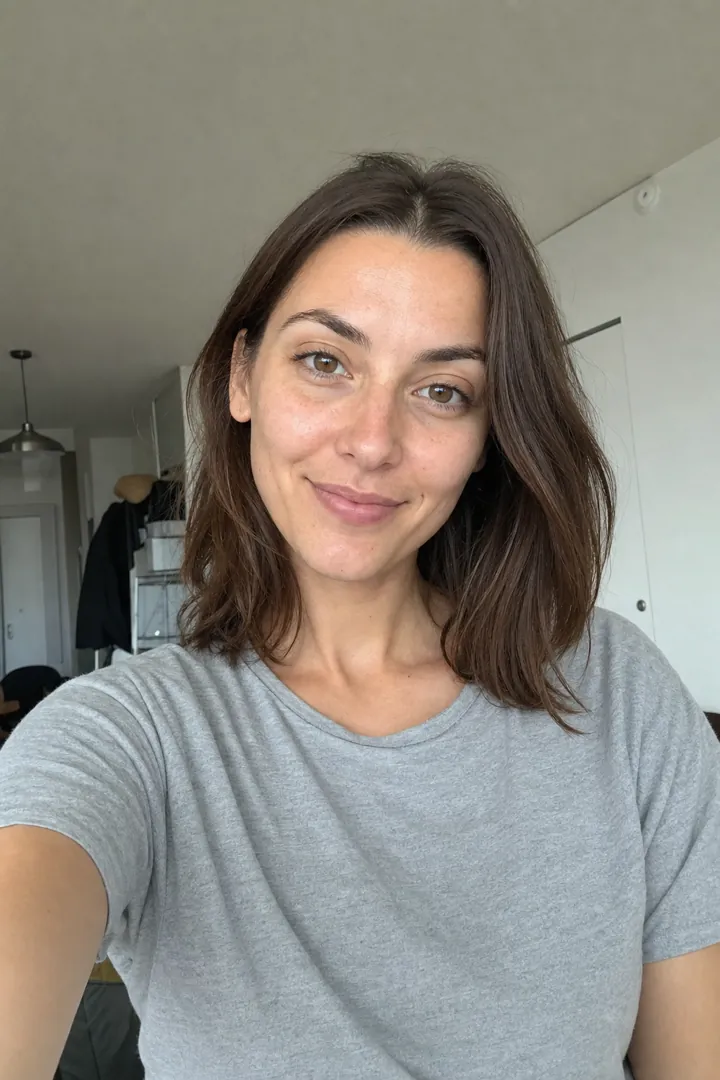
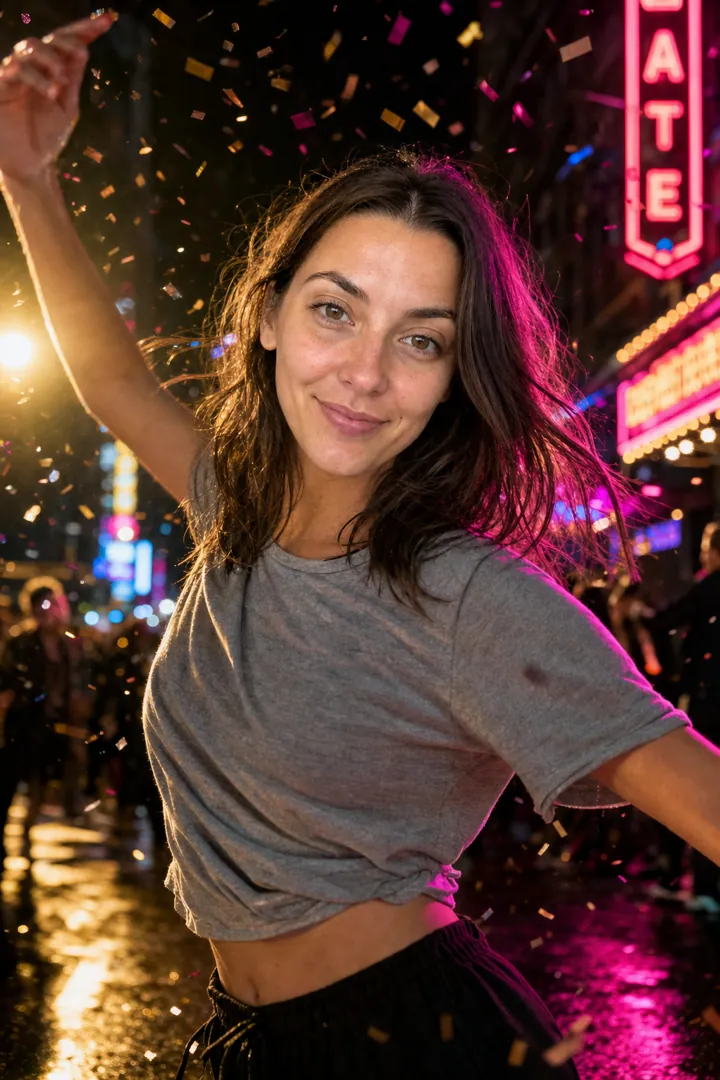
The selfie on the left trained the avatar once. Everything on the right came out of it: a headshot for work, a red carpet, a night out, a cartoon. Next week's trends will too.



Screens
What it looks like.
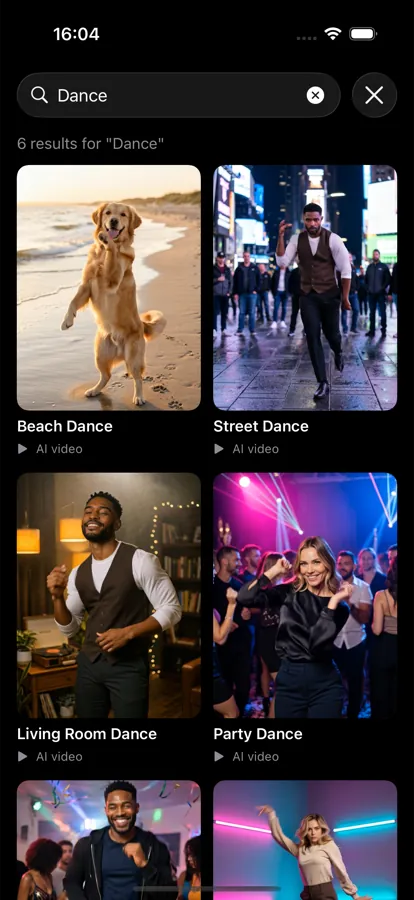
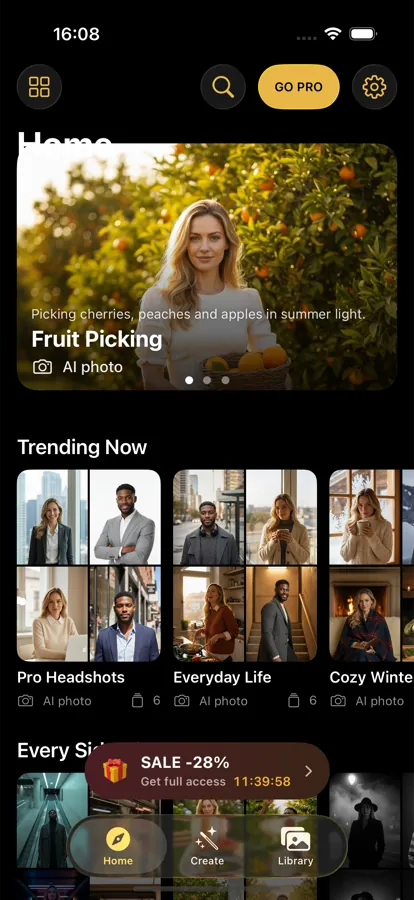
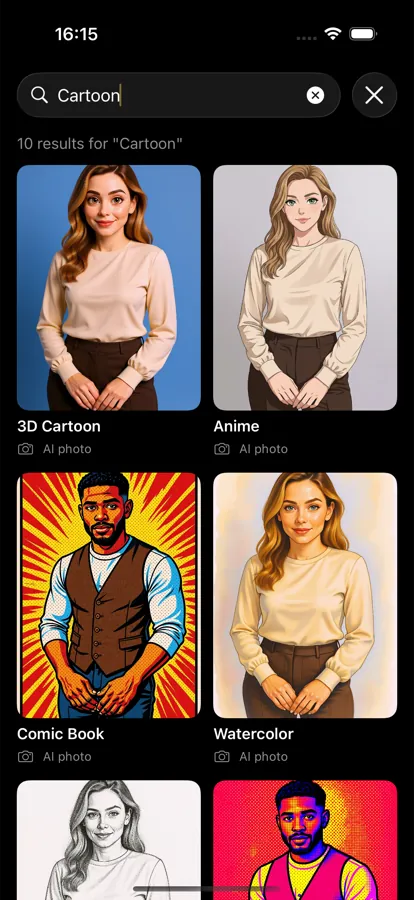
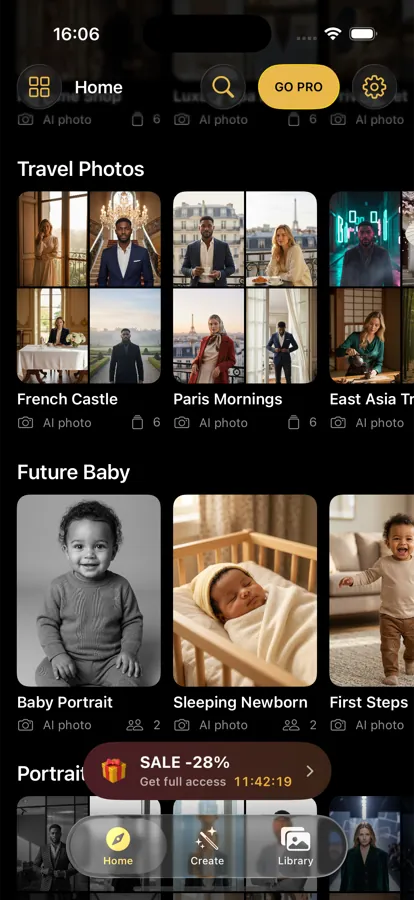
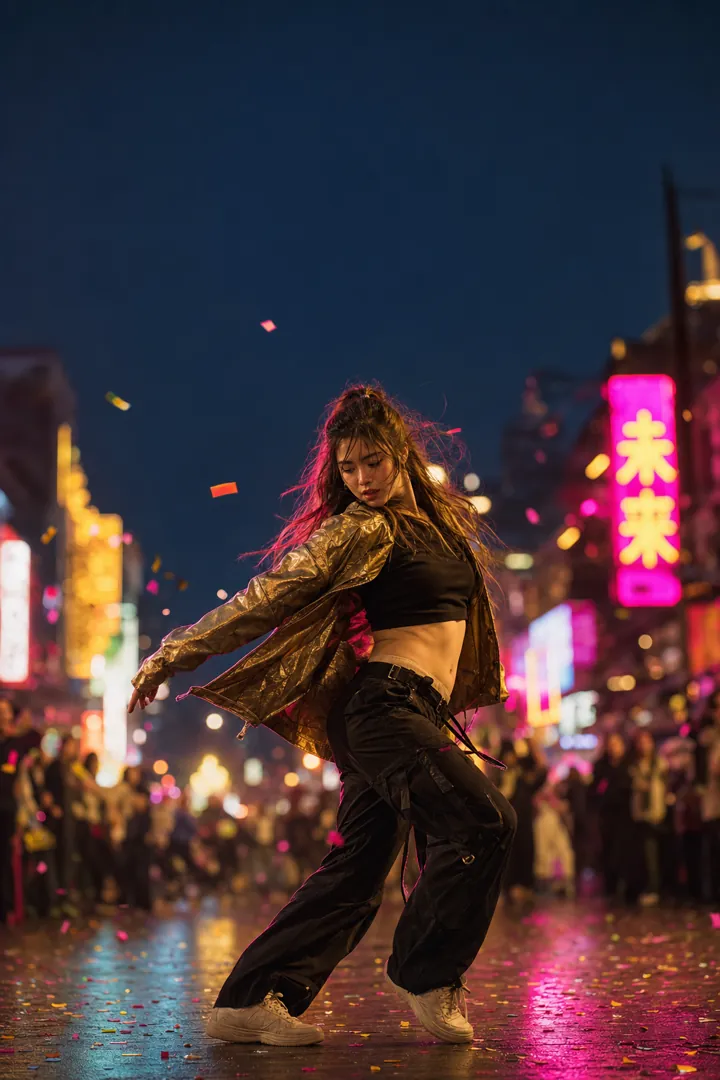
Trends, scenes and styles
This week it is dance. Next week, who knows.
Dance trends, cinematic scenes, viral effects, hundreds of styles and free-form prompts. New filters land every week, and your avatar is ready for every one of them.





Questions
Good to know.
Short answers to the things people ask before their first creation.
Getting started
Do I need to train an avatar to try it?
No. Browse every trend for free, and Quick AI Filters work on any photo with one tap, no avatar needed.
How many selfies does the avatar need?
A few. Clear, well-lit, your face visible. Different angles help. We ask for your consent clearly before anything is processed.
Can I put my pet in it?
Yes. Pets have their own trends, and you can put your dog or cat in them.
Can I type my own idea?
Yes. Write what you want, or hit Surprise Me for inspiration.
Results
Do I have to re-upload for each new trend?
No. Your avatar trains once and works with every trend and style the app adds afterward.
What can I make?
AI videos and photos of you: dance trends, cinematic scenes, viral effects and hundreds of styles. New filters land every week.
Where do my creations go?
Into your library in the app, ready to save to Photos or share.
Pricing
How do I know what a creation costs?
It is on the Create button before you tap it. No surprises after.
What does the subscription include?
Avatar training, AI videos and photos from your avatar, new filters and trends every week, and Quick AI Filters. Plans and prices are shown in the app.
How do I cancel?
In your Apple Account subscriptions, any time. Access continues to the end of the period you paid for.
What if a creation fails?
It does not cost you anything. A failed creation refunds itself.
Privacy
What happens to my selfies?
They train your avatar, and nothing else. Delete your photos, your avatar or your whole account from inside the app, any time. The Privacy Policy spells out retention and the processors involved.
Do you sell my data?
No. We collect what a feature needs and nothing more.
Which phones does it run on?
iPhone. Motionly is on the App Store; browse this week's trends for free and add your selfies when you are ready.
Get Motionly
New trends every week. You in every one of them.
Download, browse this week's drops for free, and add your selfies when you are ready.