Roomhaus · Free on the App Store
Redesign any room from one photo.
Photograph a room, a facade or a garden. Choose a style, set a direction. Roomhaus redesigns the space and keeps it unmistakably yours, then hands you the tools to go further. Dozens of styles, with new ones arriving all the time.
- Interiorrestyle or renovate any room
- Exteriorfacade, entry and patio
- Gardenplanting and outdoor layout
iPhone, iOS 17 or later. Three free starter designs. No account required.
How it works
One photo in. A finished design out.
Every tool follows the same short flow. The second design is faster than the first.
-
Photograph the space
A room, a facade, a patio or a yard. Daylight helps. Roomhaus works with the photo you have.
-
Pick a style and a direction
Dozens of styles and palettes, with new ones arriving all the time. Then say how far to go: refresh the look, or renovate the room.
-
Compare, refine, continue
Slide between before and after. Save it, share it, try another direction, or go further with Wall Design, New Floor and Object Replace.
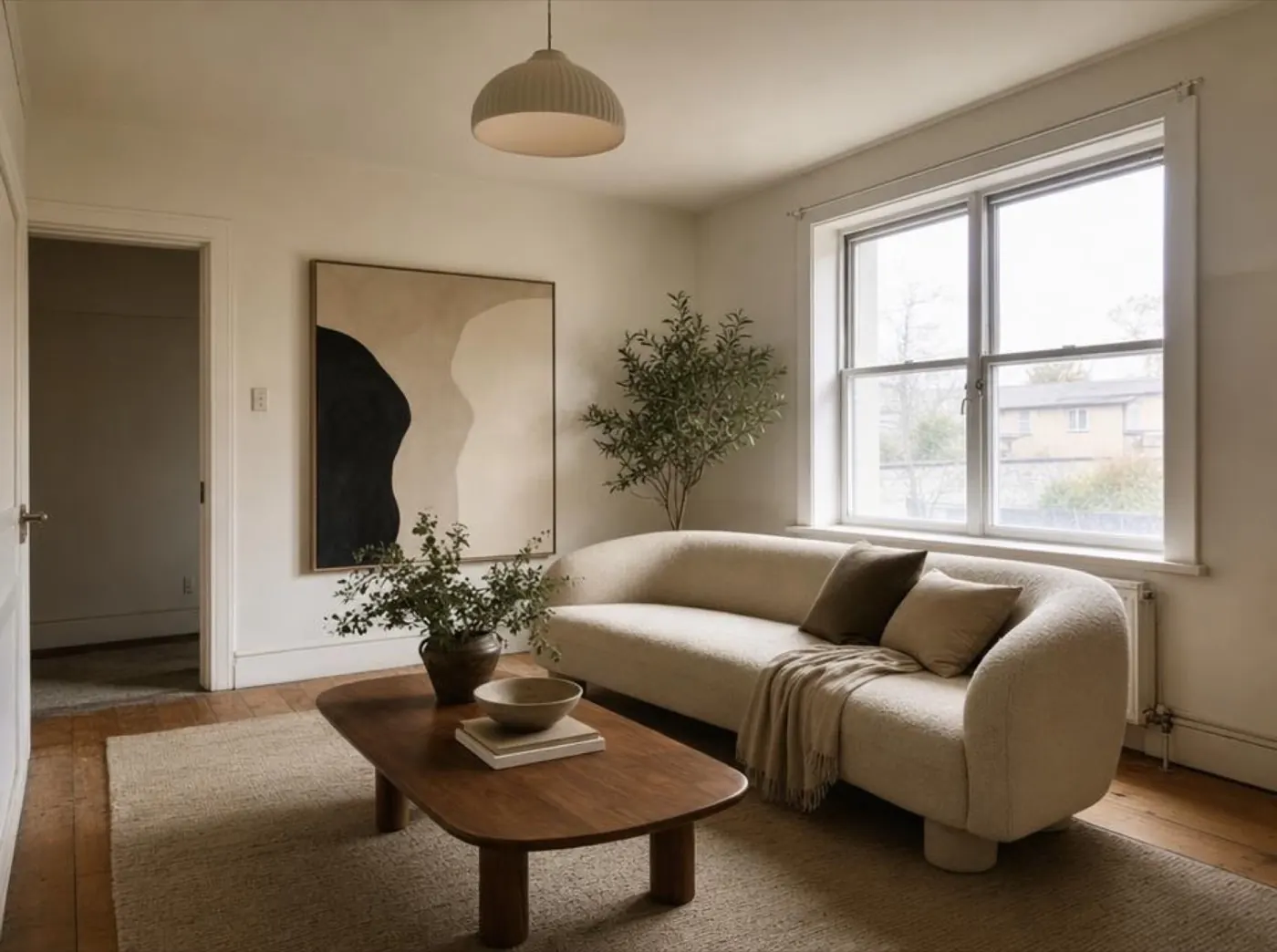
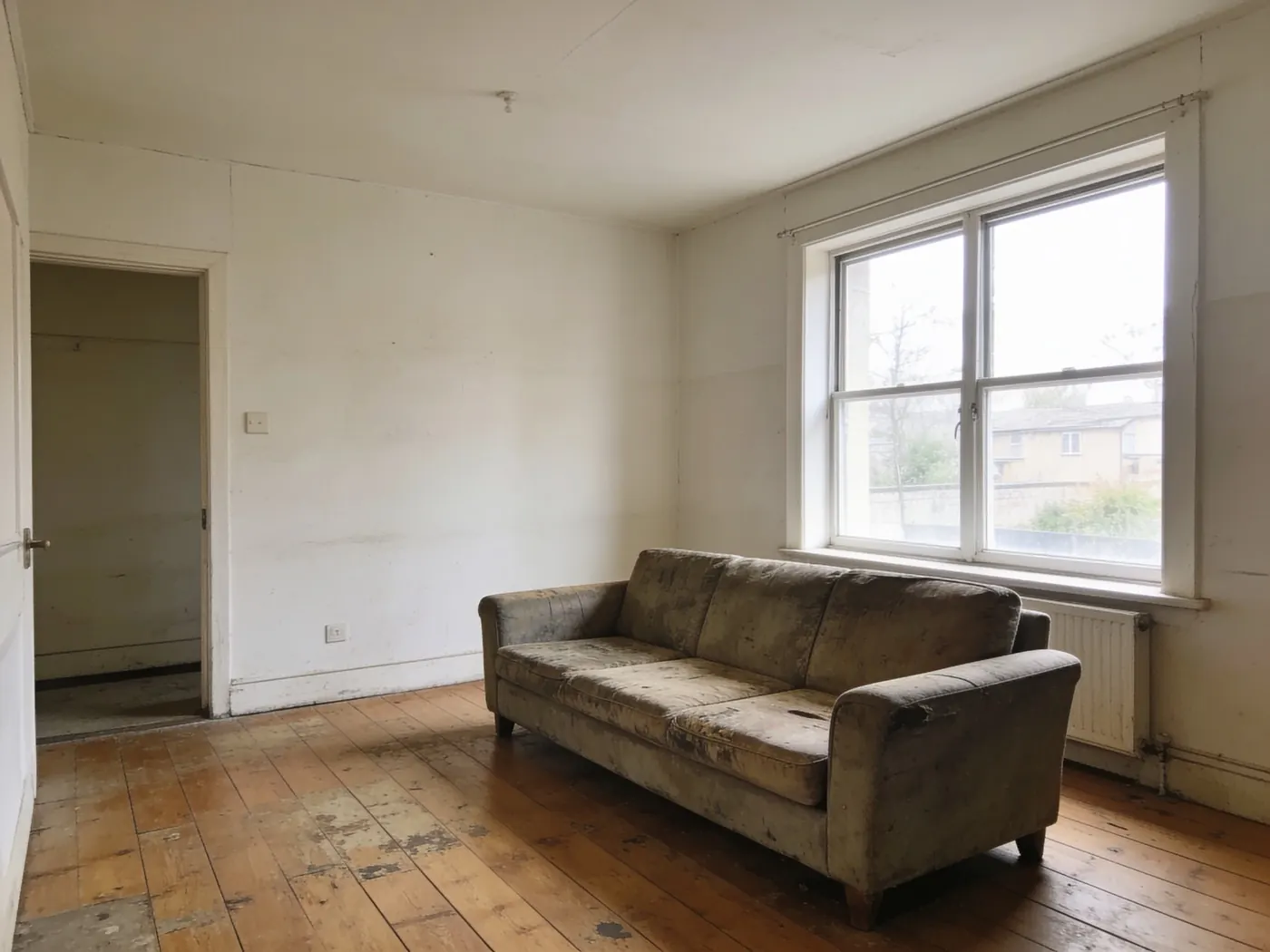
One photo, three directions
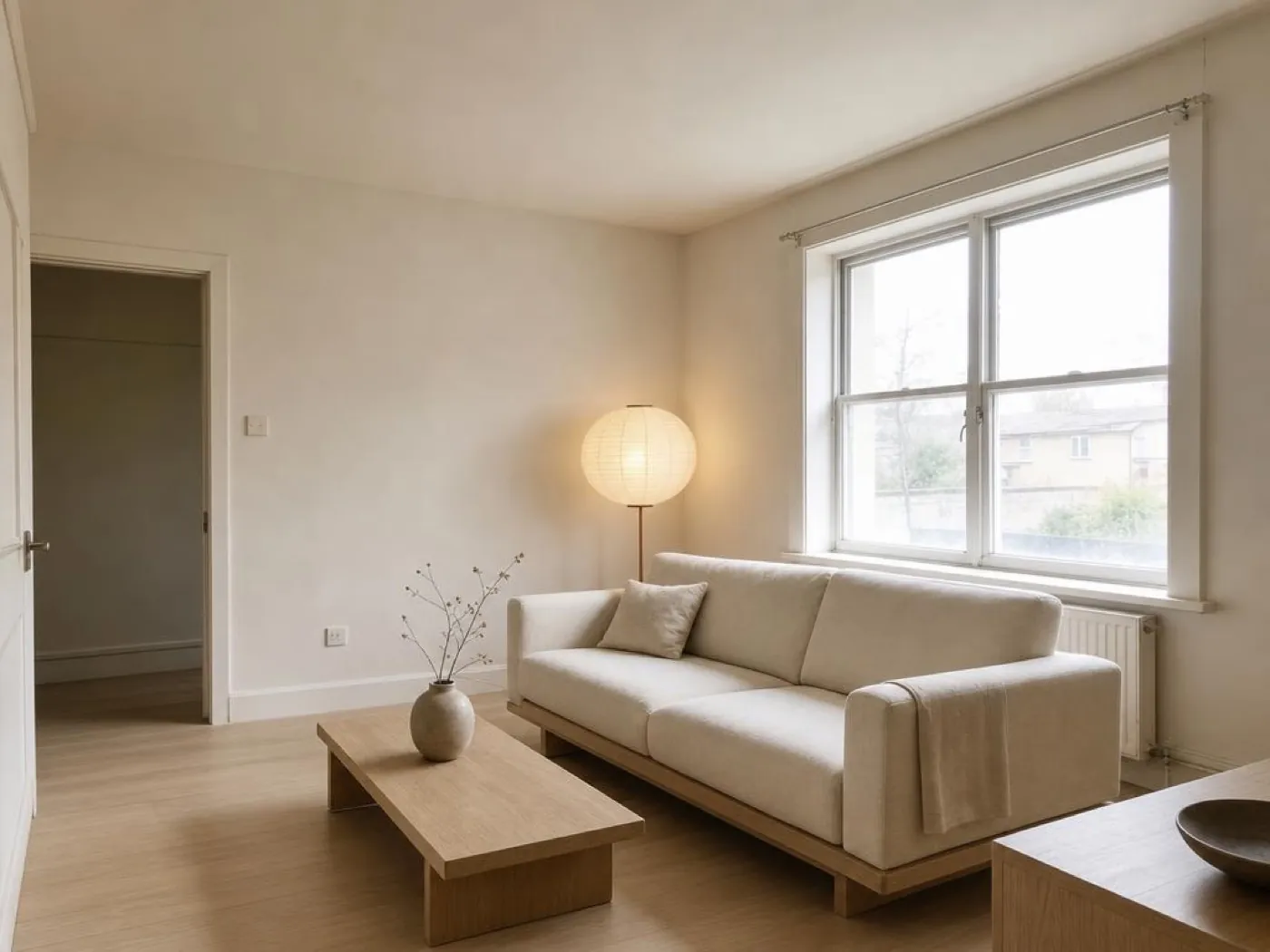
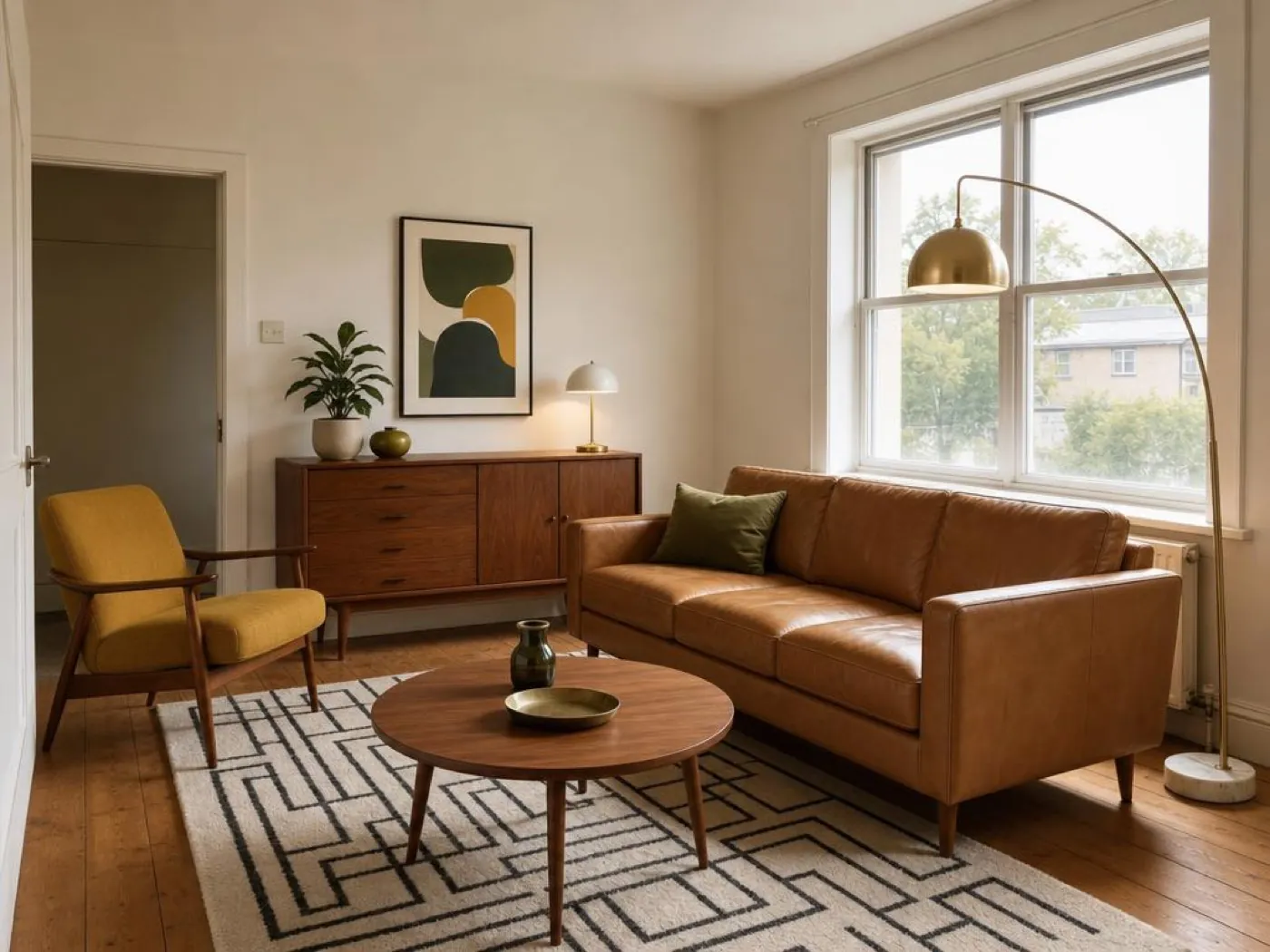
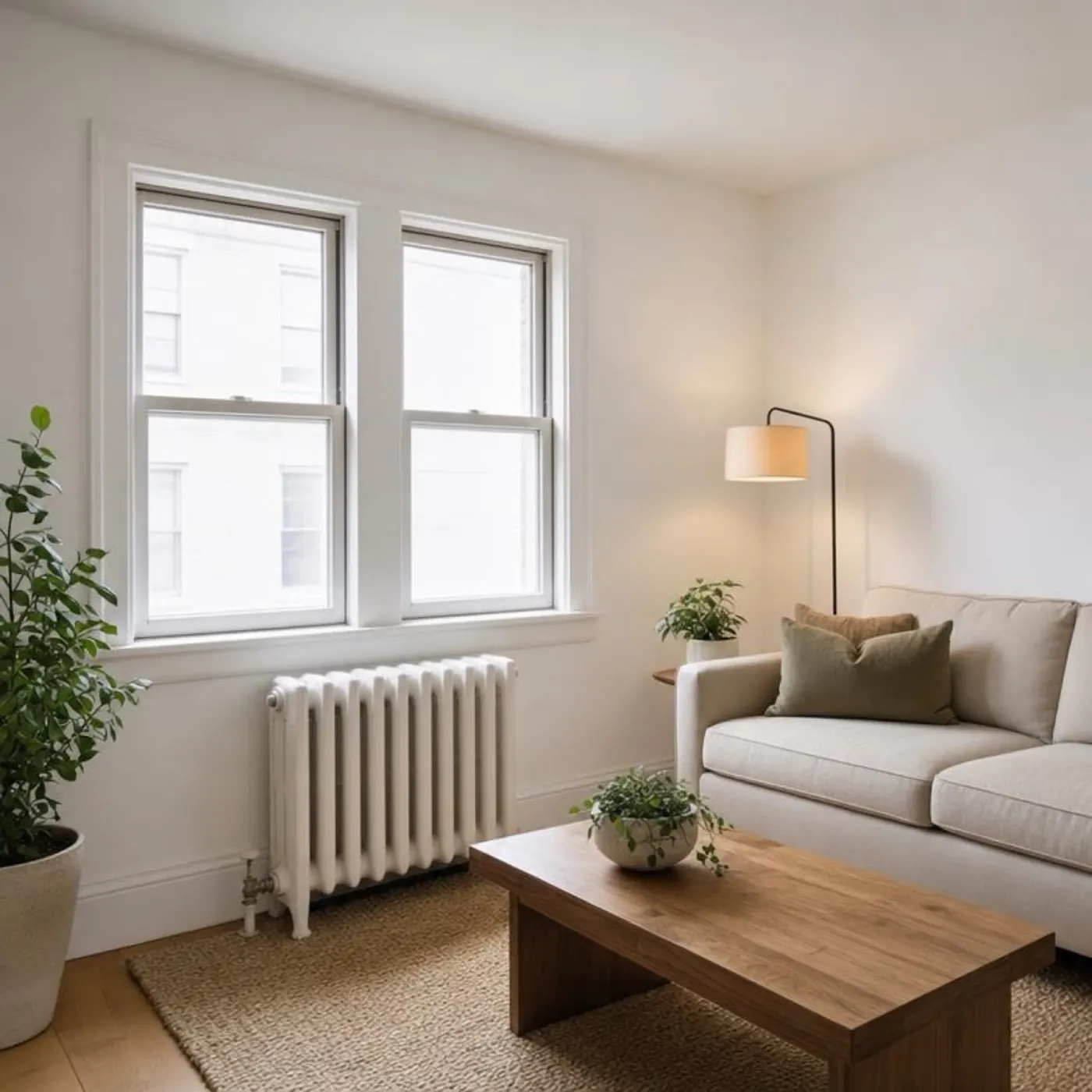
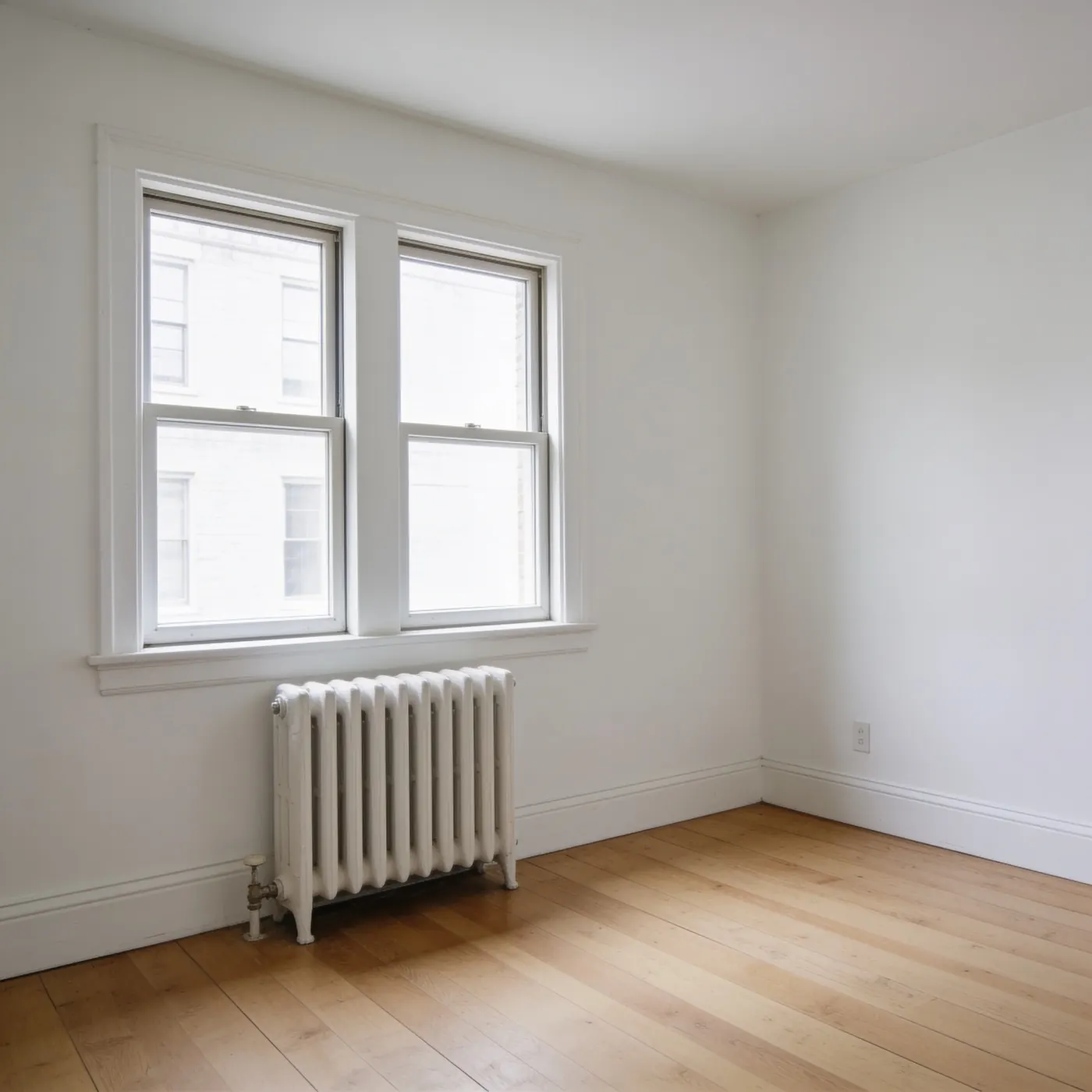
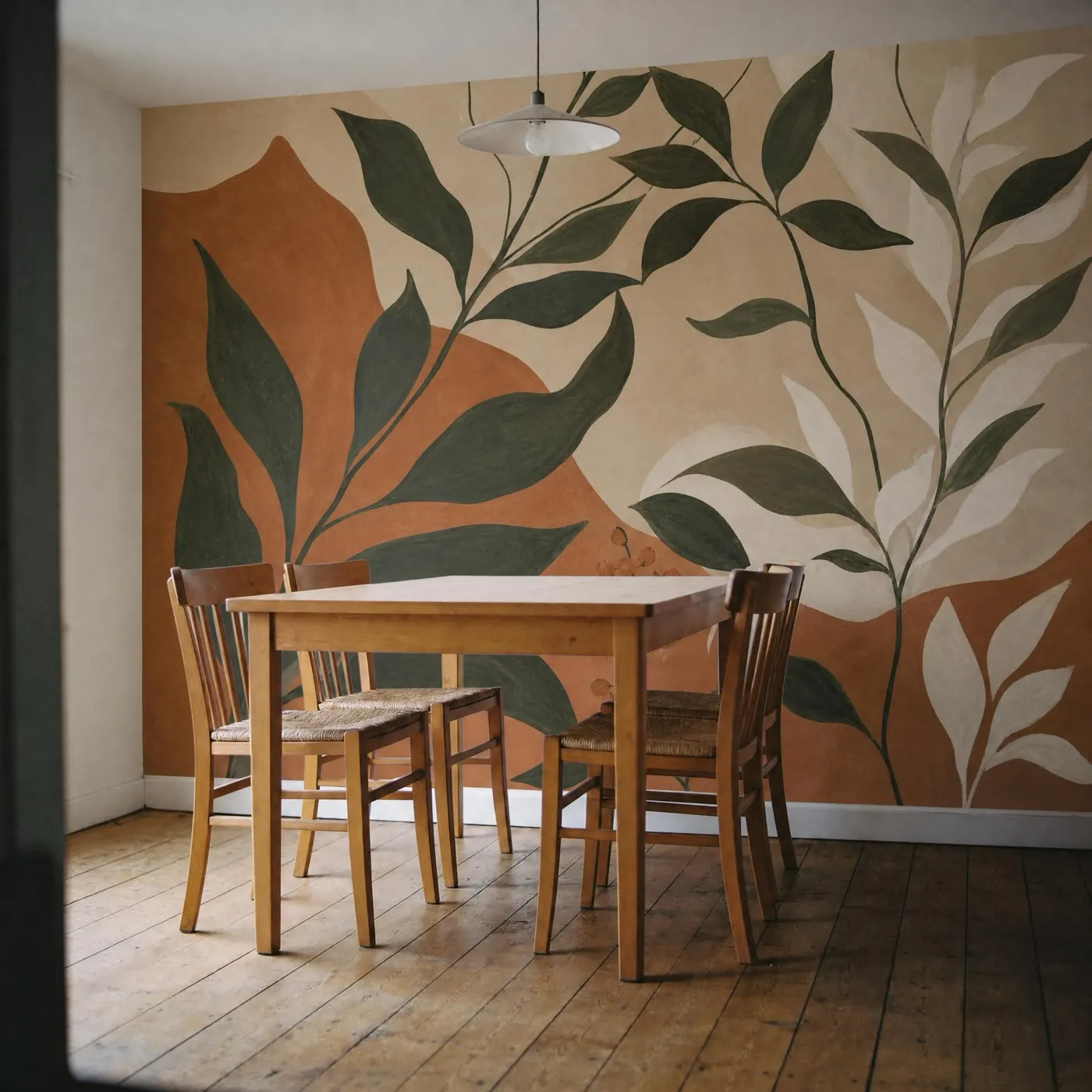
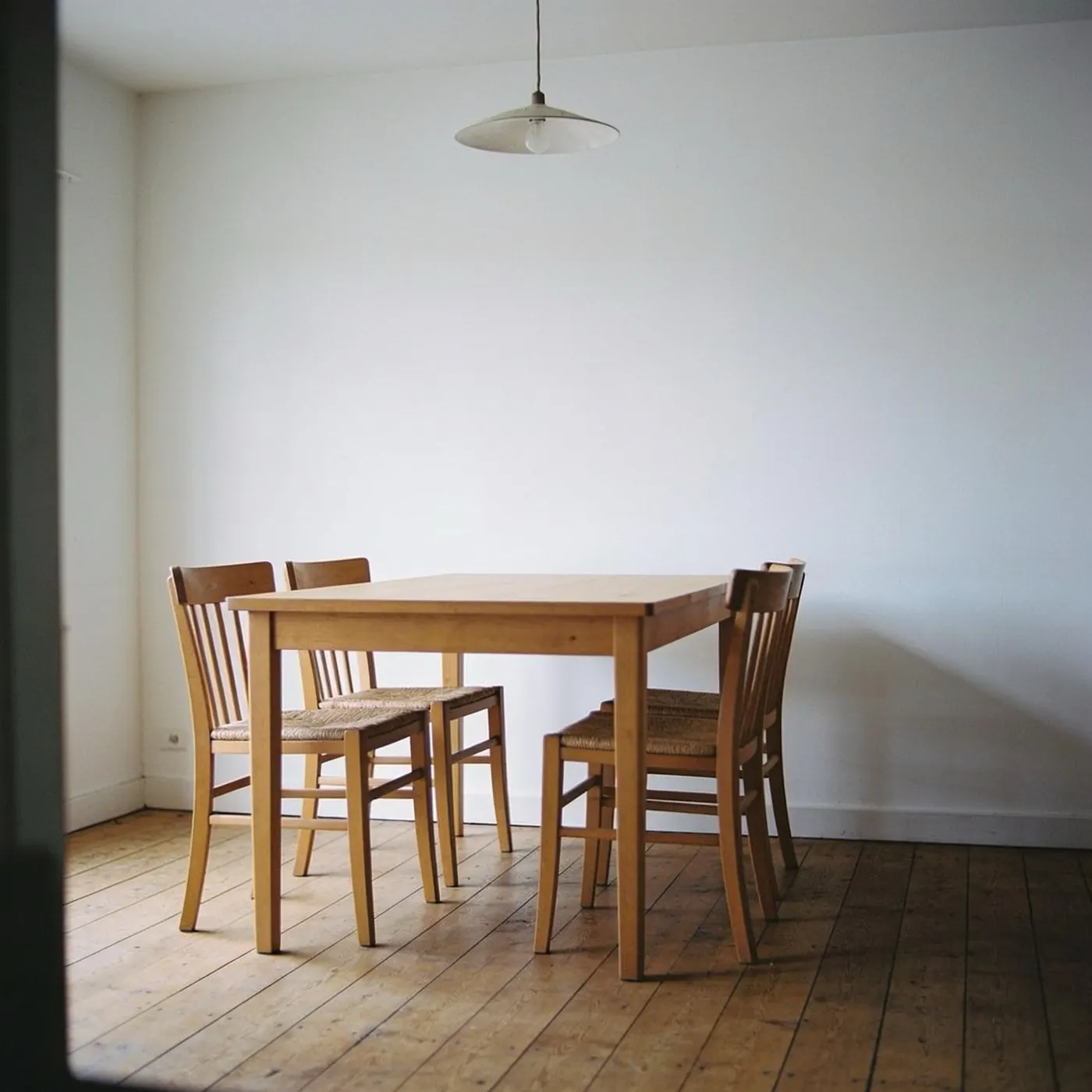
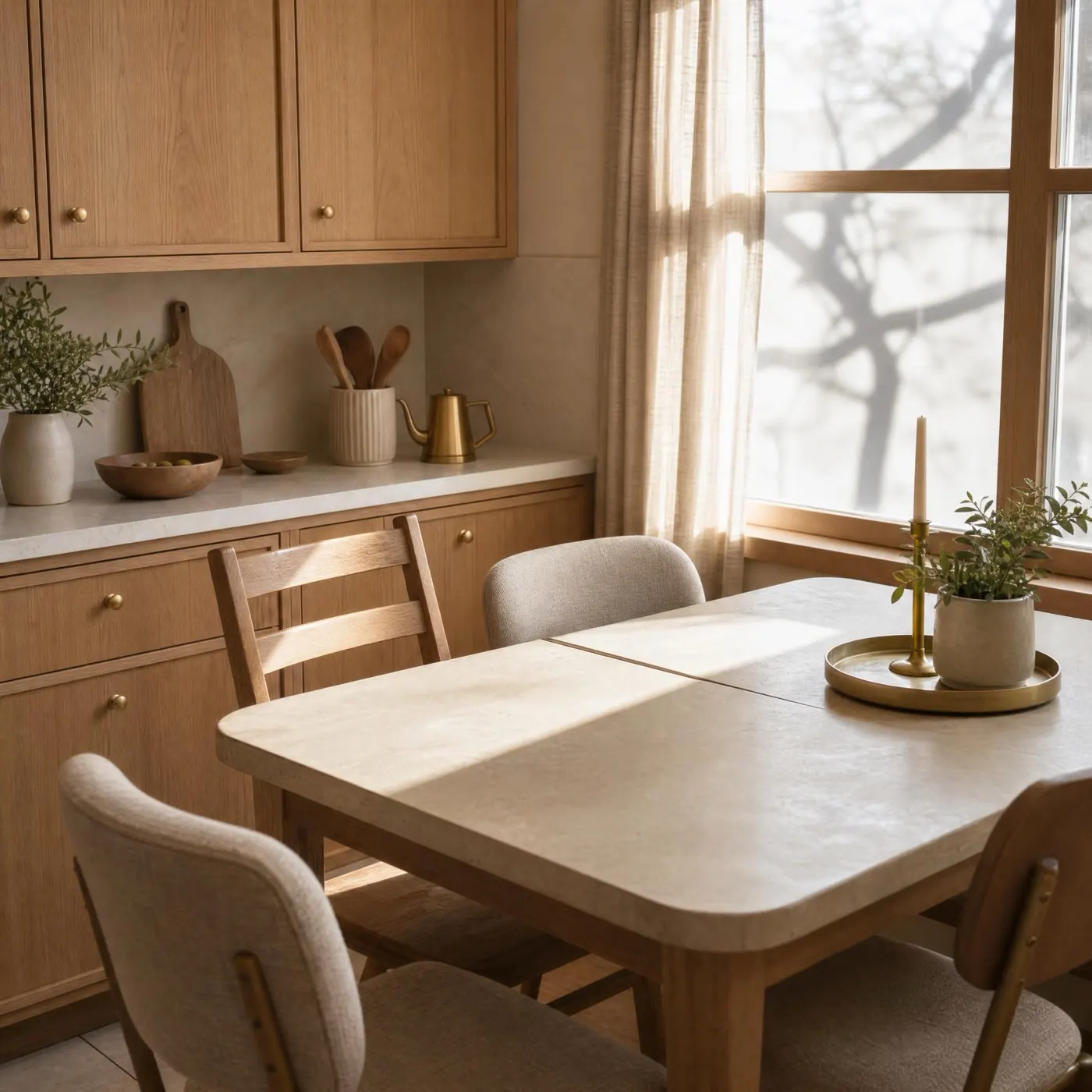
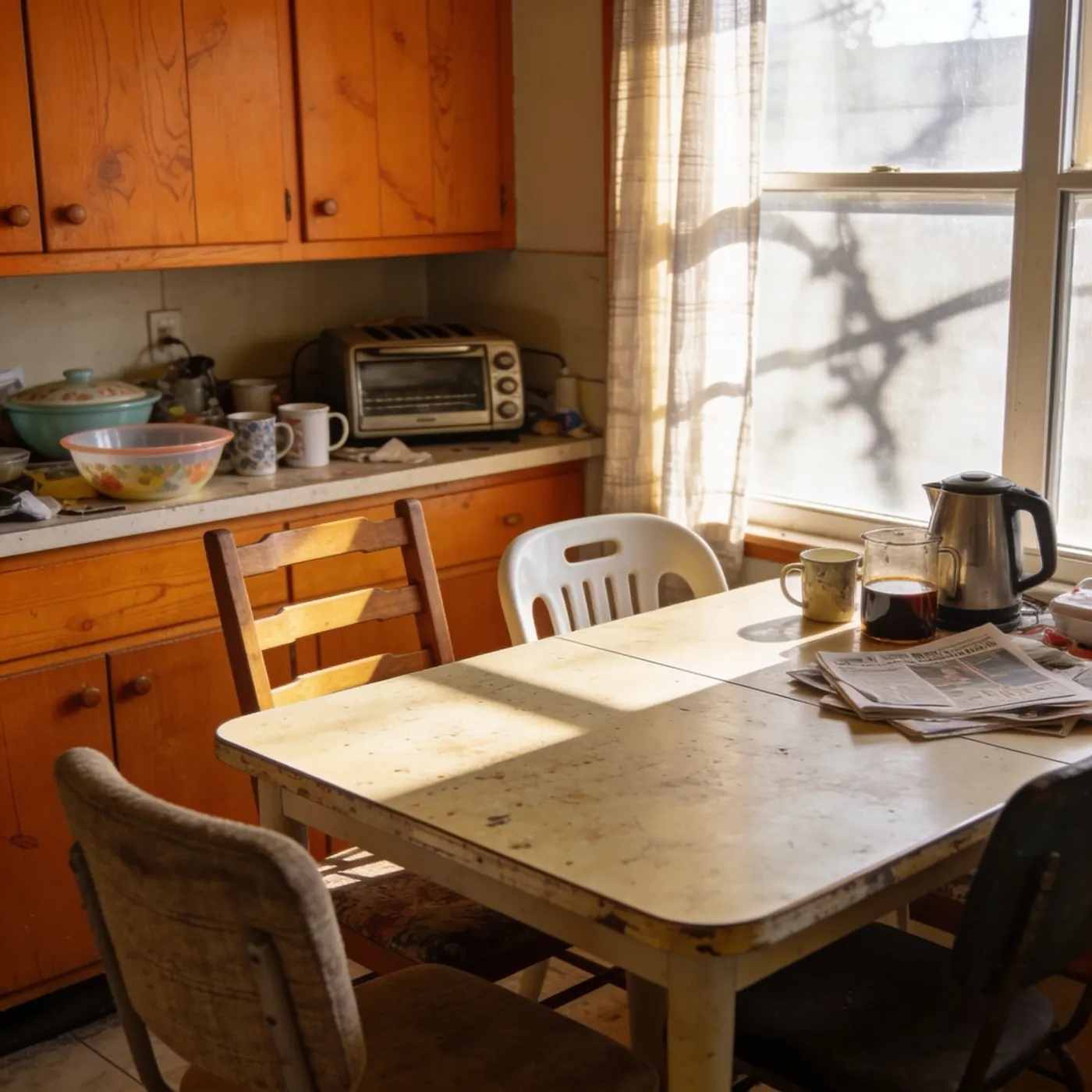
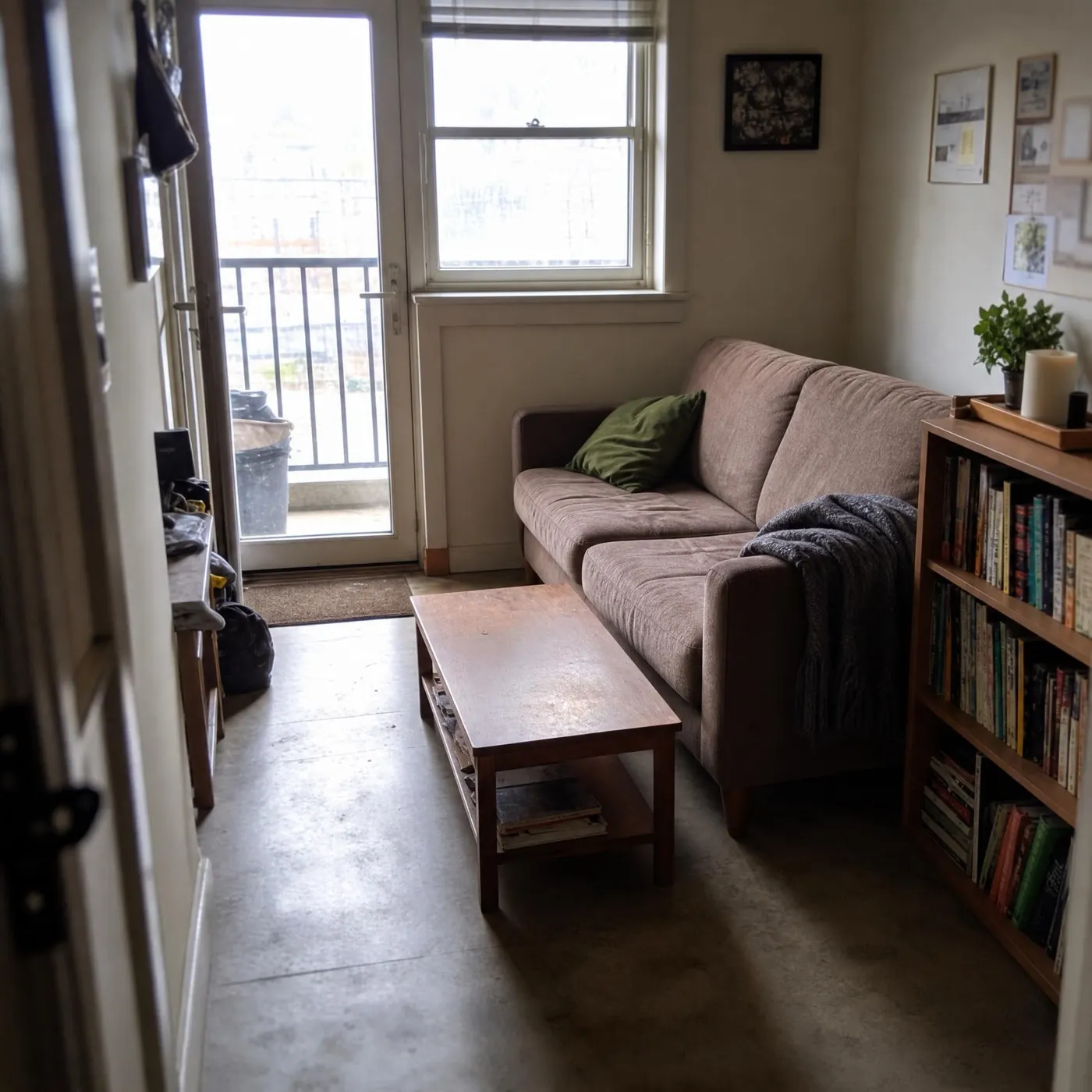
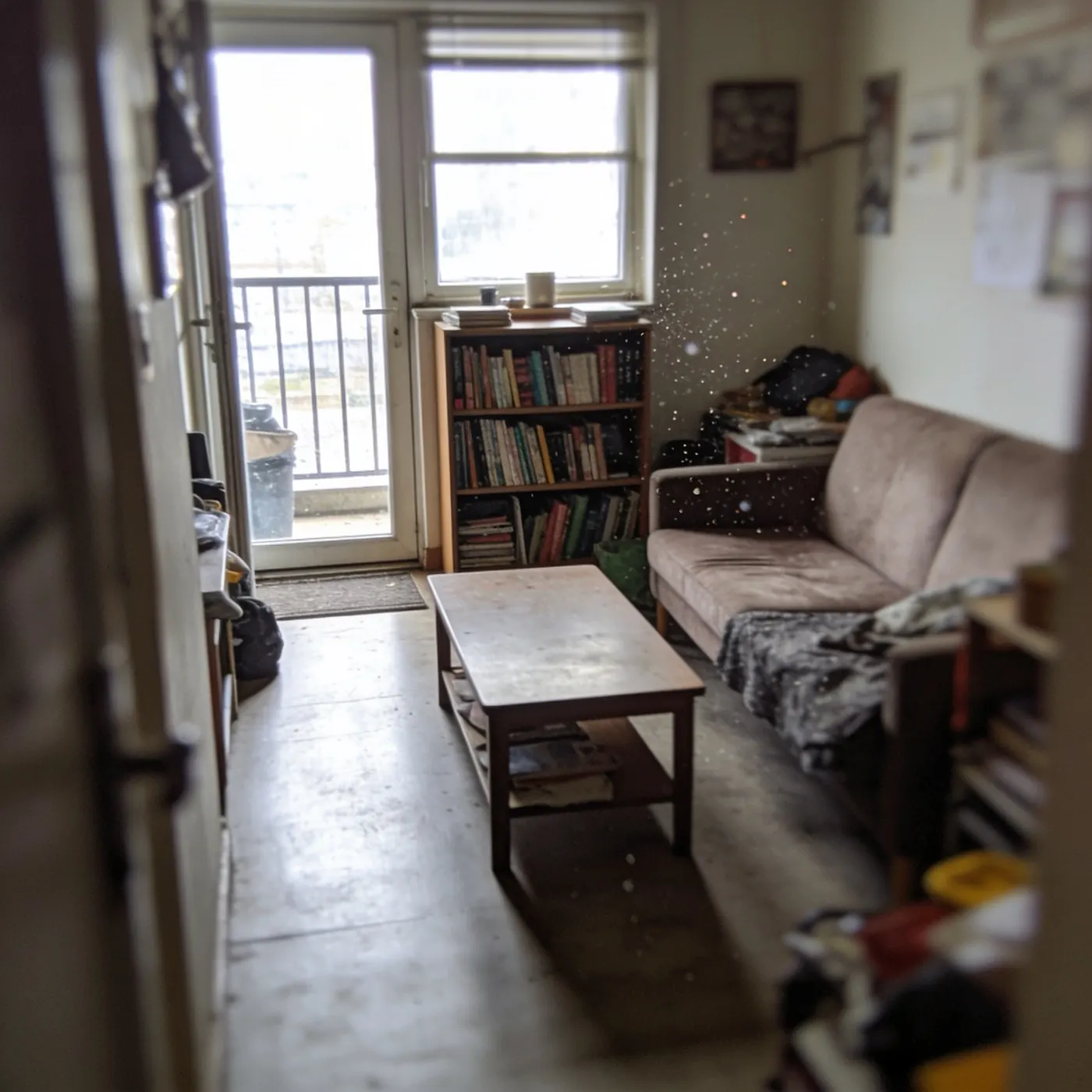
Same room. Three ways to live in it.
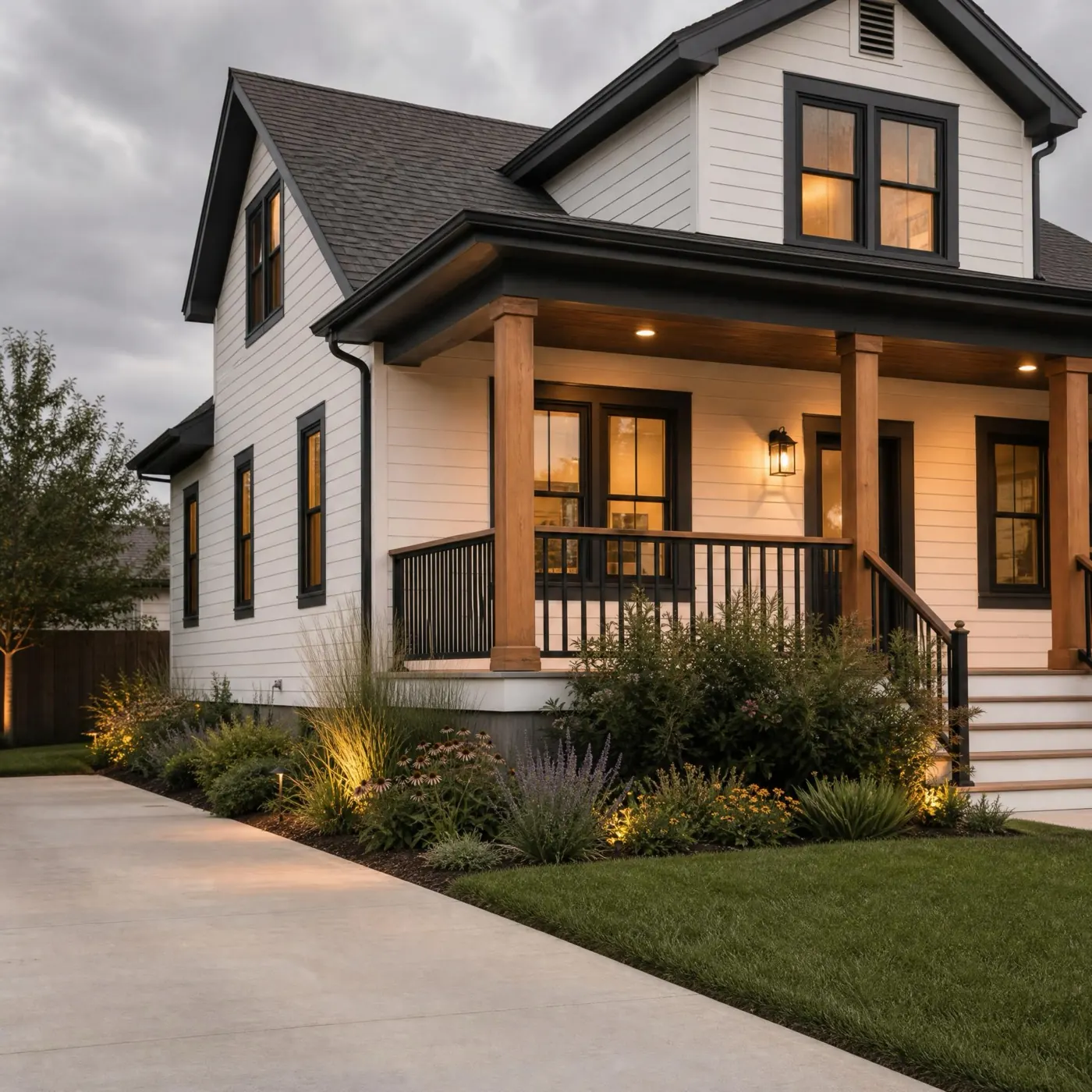
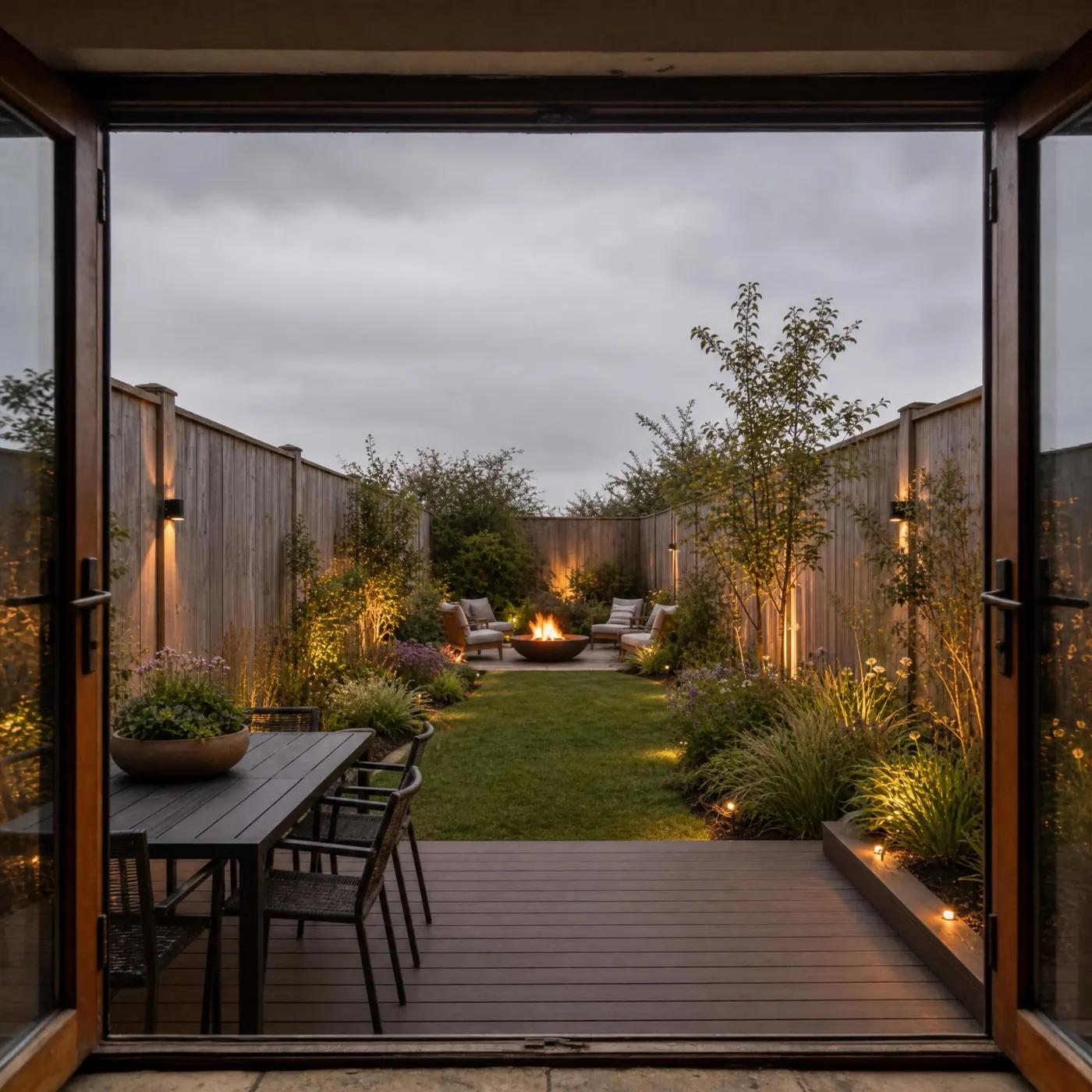
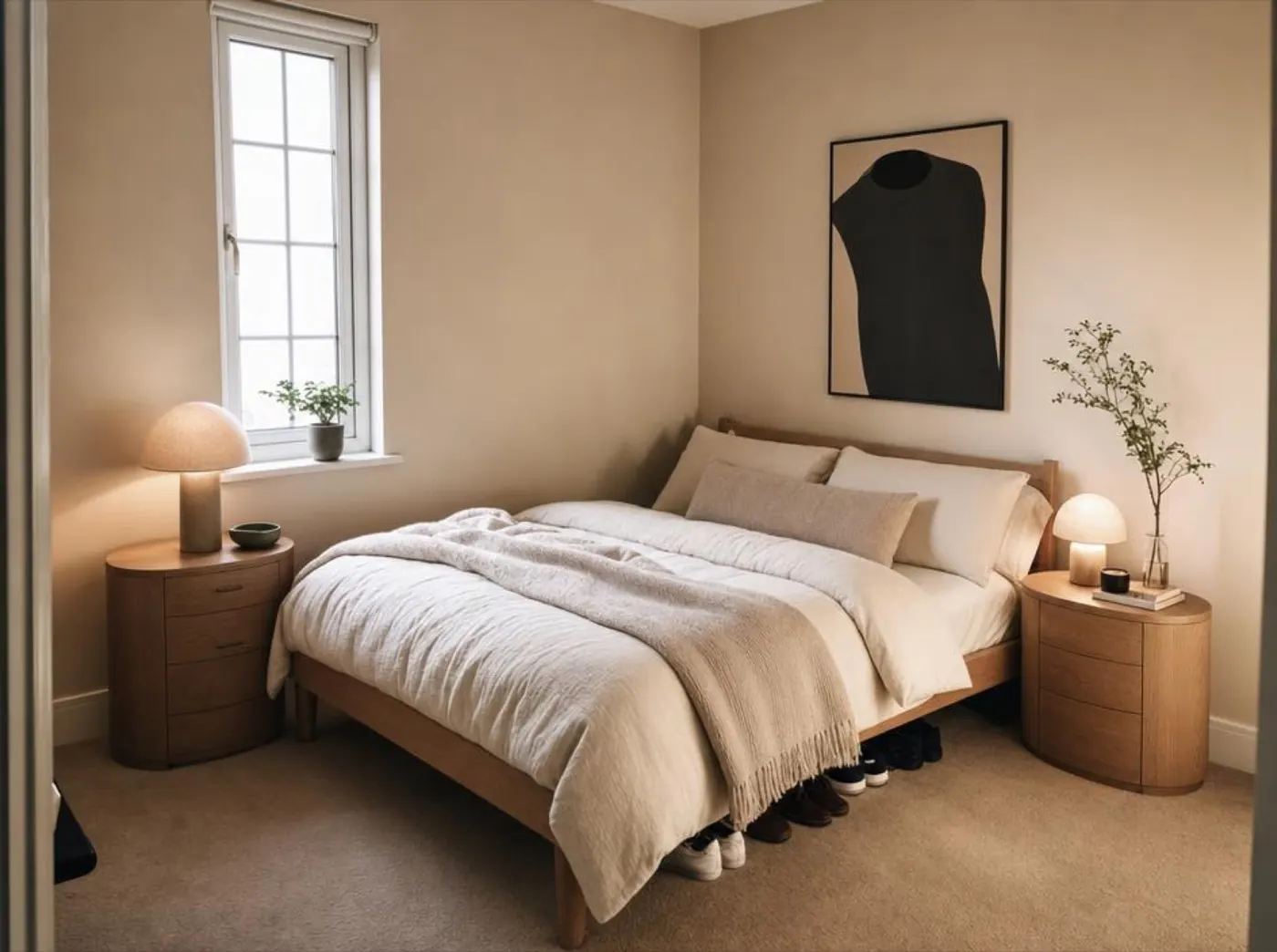
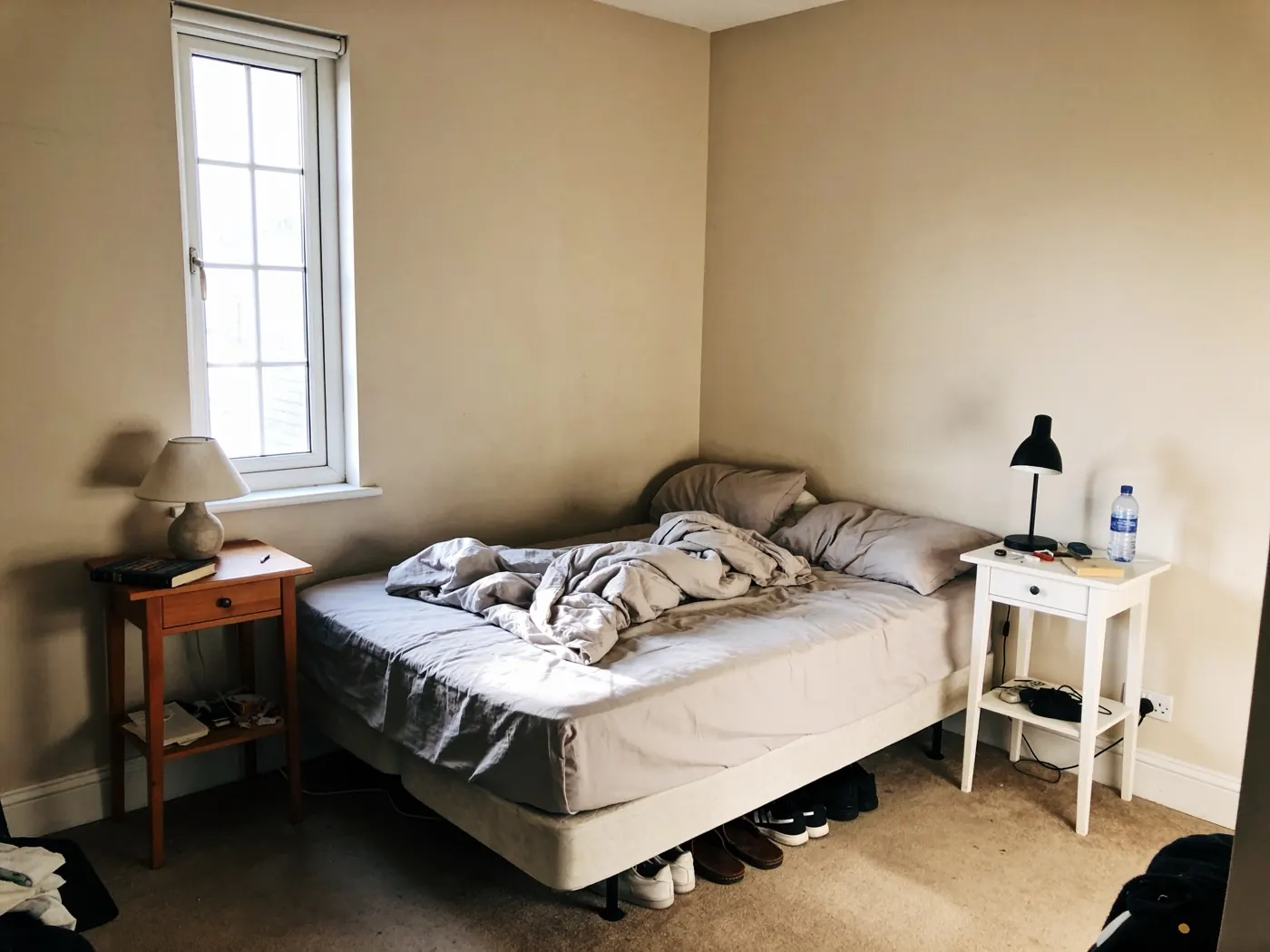
Nothing moved: not the window, not the roofline, not the fence. Only the design changed. Pick a surface, then a direction.

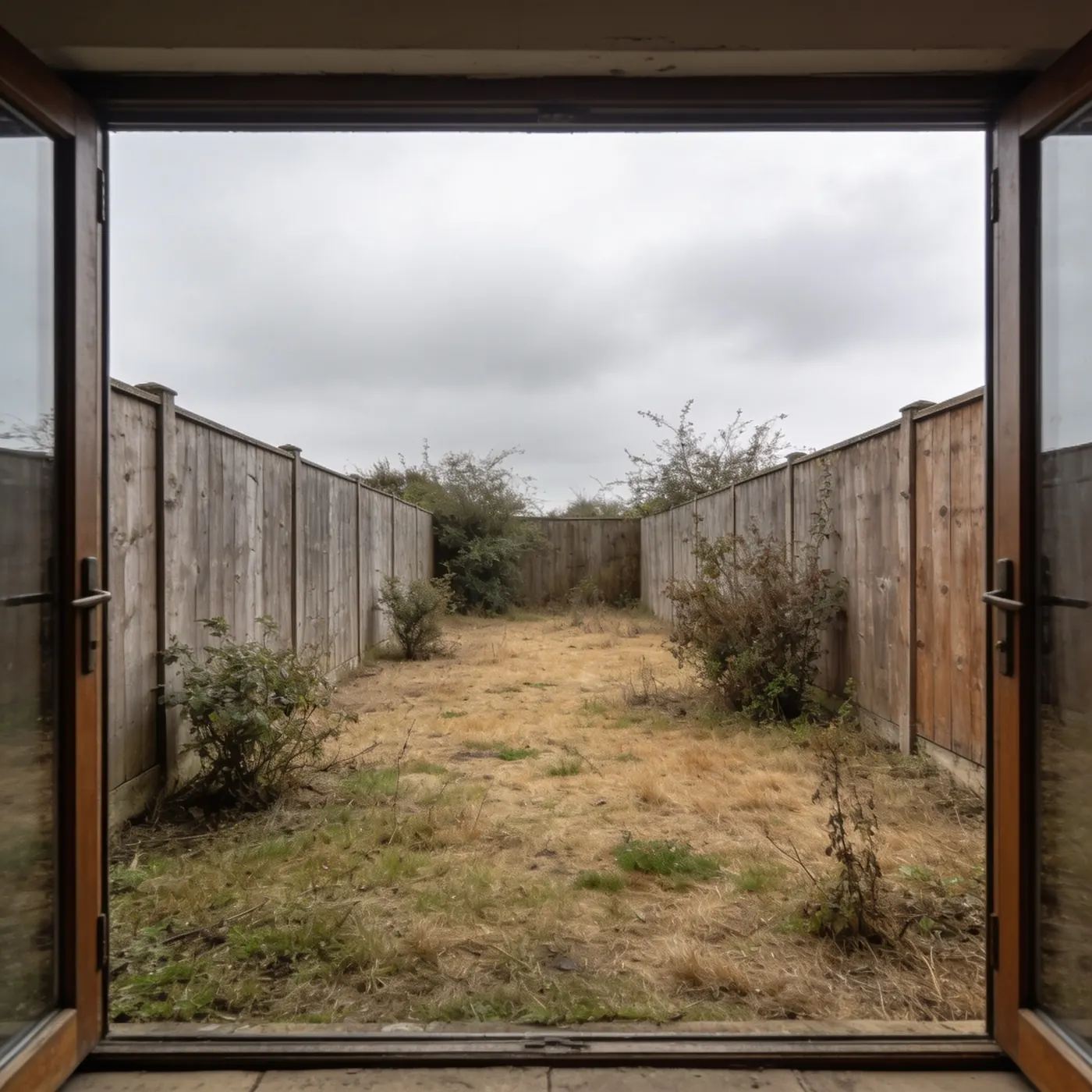 Original
Results
The room stays your room.
Walls, windows and proportions stay where they are. The result is your space with a new design, not a stock photo of someone else's.
Tools
Twelve tools for every part of the home.
Start with a room, a facade or a garden. Then keep going: every result opens into the next tool.
- Interior Design
Restyle or renovate a room.
- Exterior Design
Rethink a facade, entry or patio.
- Garden Design
Explore new planting and outdoor layouts.
- Room Restyle
Keep the structure and change the look.
- Furnish Empty Room
Bring a bare space to life.
- Layout Boost
Explore another furniture arrangement.
- Style Transfer
Use another room as visual inspiration.
- Wall Design
Preview a new wall finish.
- New Floor
Try a different floor material.
- Night View
See an interior or exterior after dark.
- Object Replace
Mark an object and describe its replacement.
- Floor Plan
Turn a 2D plan into a furnished visual concept.
Styles
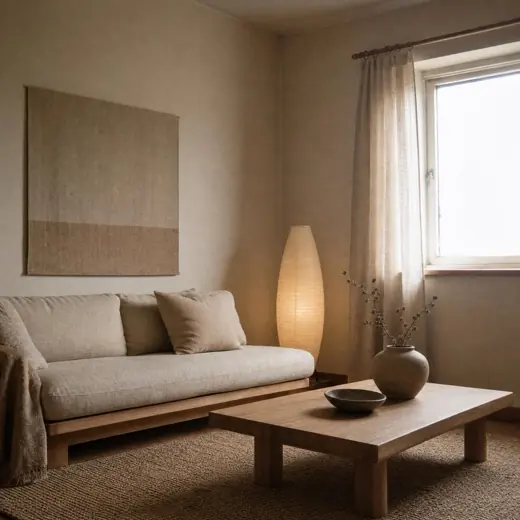
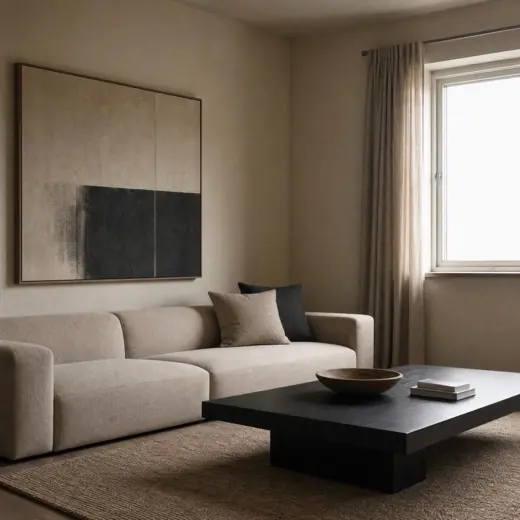
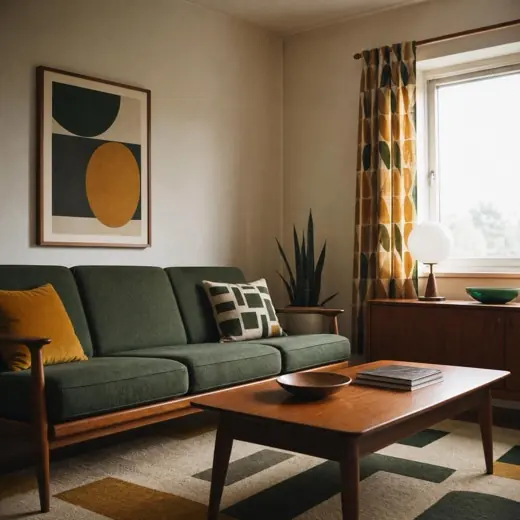
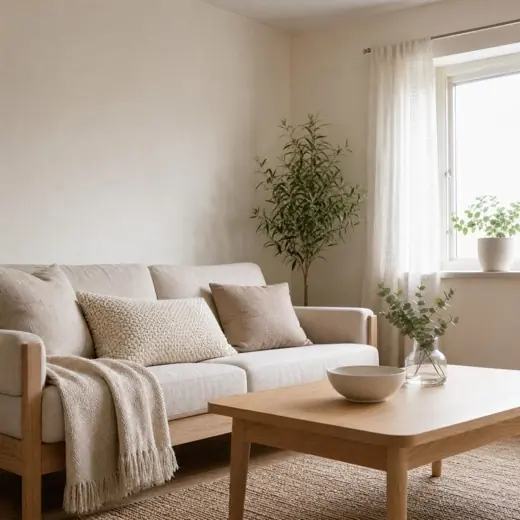
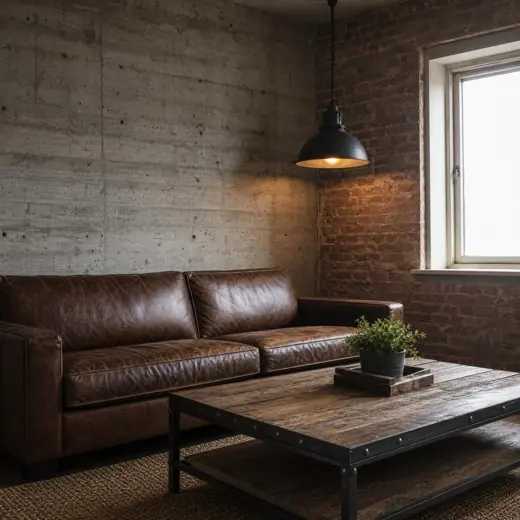
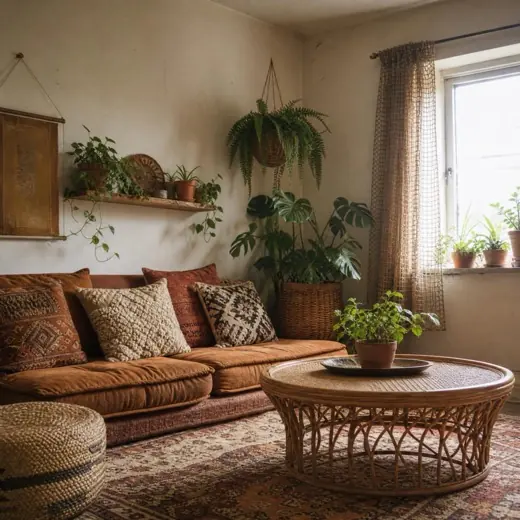
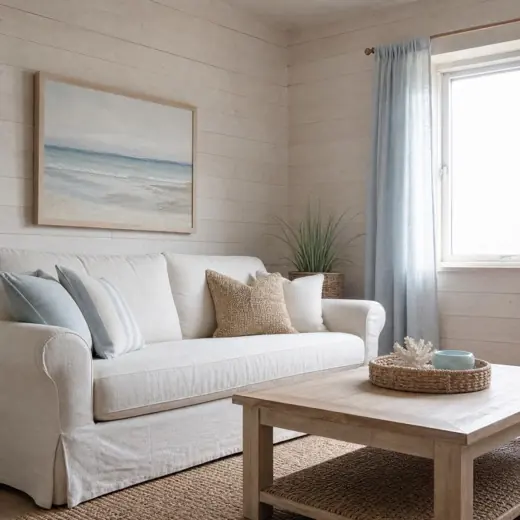
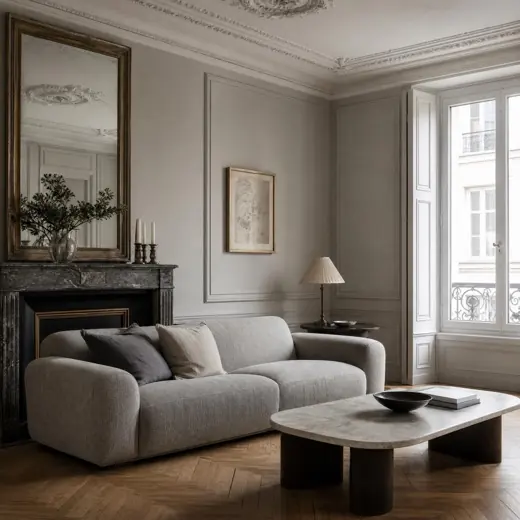
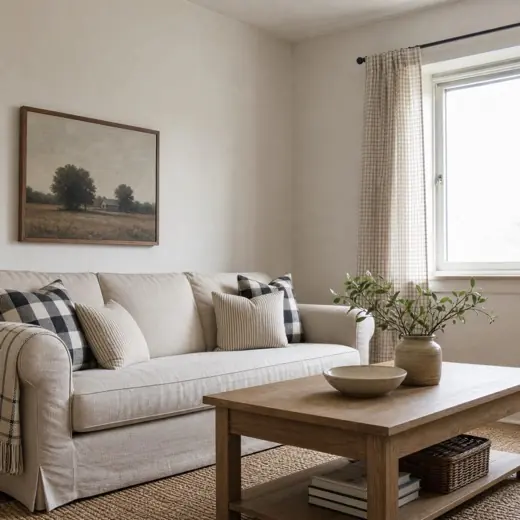
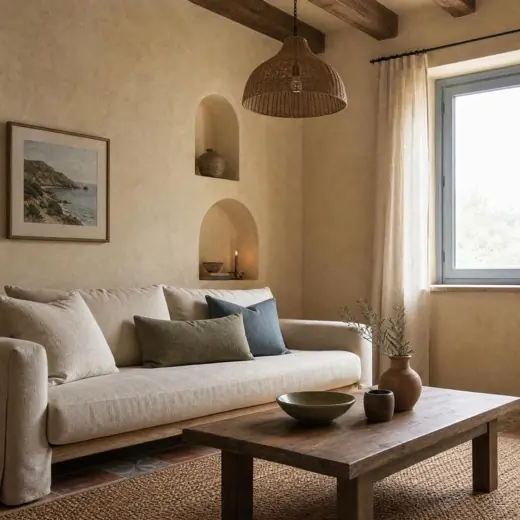
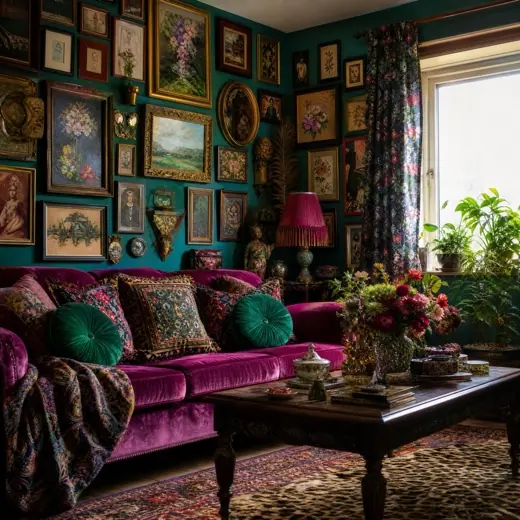
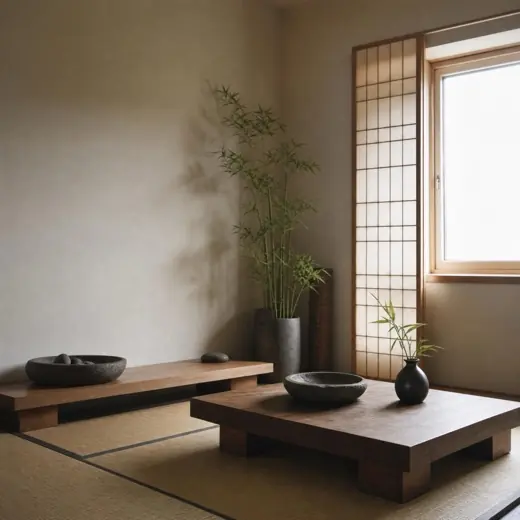
Dozens of styles, each with real reference imagery.
Browse the Discover gallery, tap a style, and Interior Design opens with it selected. Interiors, exteriors and gardens each have their own set. New styles arrive all the time.
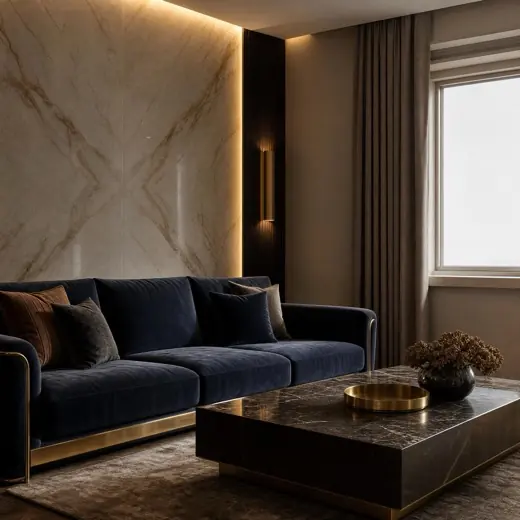
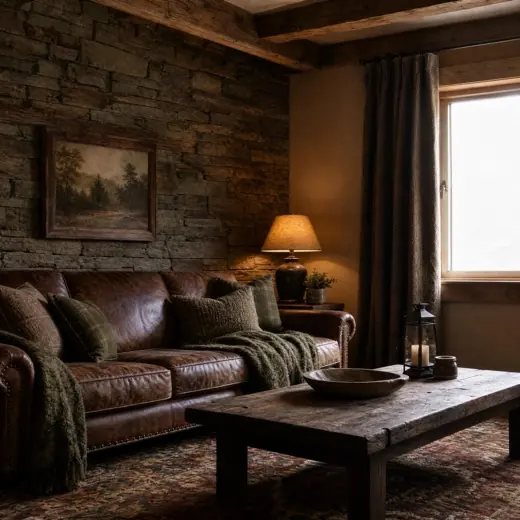
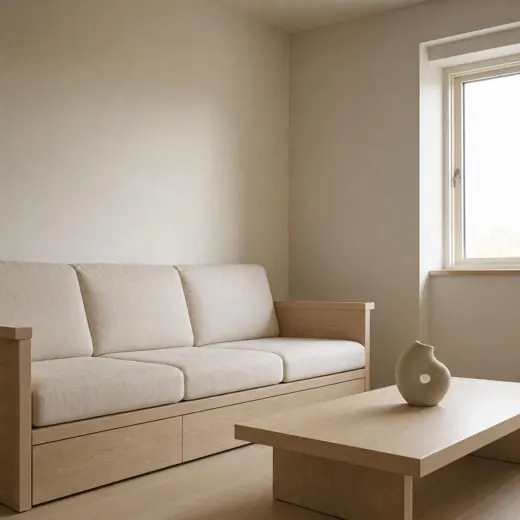
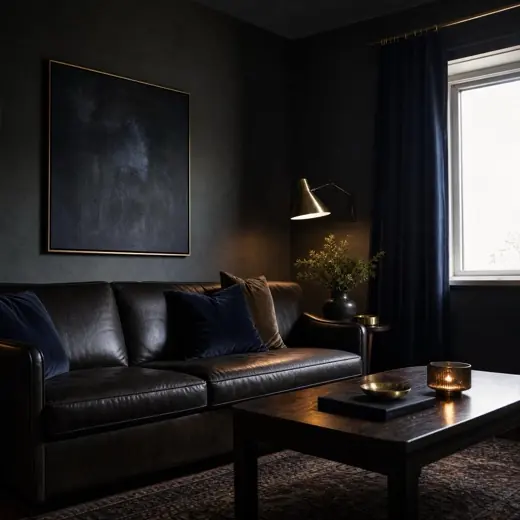
Create with Roomhaus AI
Talk through an idea. Then decide.
A familiar full-screen chat for thinking out loud about a space. Keep several conversations, attach a photo, and let Roomhaus AI start the design when you are ready. Nothing generates behind your back.
-
Multiple conversations One per room, per project, per idea. Come back to any of them.
-
Designs stay in History Deleting a chat removes its messages. Your finished designs stay until you delete them.
Questions
Good to know.
Short answers to the things people ask before their first design.
Getting started
Do I need an account?
No. Your three free starter designs work without signing in.
What kind of photo works best?
A straight-on shot of the whole room in daylight. Roomhaus works with an ordinary phone photo, and you do not need to tidy up first.
Does it work on exteriors and gardens too?
Yes. Exterior Design and Garden Design are two of the three tools that take your free starter designs.
Can I use it offline?
No. Designs are generated on our servers, so you need a connection.
Results
Does Roomhaus change the shape of my room?
It is designed not to. Walls, windows and proportions stay where they are; finishes, furniture, lighting and mood change.
How long does a design take?
Usually under a minute. You can leave the app; we send a notification when it is ready.
Can I refine a result?
Yes. Try another direction, or continue into Wall Design, New Floor or Object Replace straight from the result.
Where do my designs go?
Into History, until you delete them. Save to Photos or share from there.
Is Floor Plan accurate enough to build from?
No. It turns a plan into a visual concept. It is not for measurements, construction, engineering or building-code decisions.
Pricing
What is free, exactly?
Three starter designs in Interior, Exterior and Garden Design, with a Roomhaus watermark. Chat has a daily allowance.
What does Roomhaus PRO add?
Every tool, clean results without a watermark, the higher quality tier, and generous fair-use limits. Weekly or yearly, with no free trial.
How do I cancel?
In your Apple Account subscriptions, any time. Access continues to the end of the period you paid for.
What if a design fails?
It does not cost you anything. A failed generation refunds itself.
Privacy
What happens to my photos?
They produce the designs you ask for, and nothing else. Delete any design, any conversation or your whole account from inside the app. The Privacy Policy spells out retention and the processors involved.
Do you sell my data?
No. We collect what a feature needs and nothing more.
Which phones does it run on?
iPhone with iOS 17 or later. Free on the App Store, three starter designs included.
Get Roomhaus
Start with three free designs.
Free to download. No account, no login, no trial to cancel. Dozens of styles, with more arriving all the time.